Nano Banana Pro Review: Features, Pros, Cons, and Pricing
You know the feeling.
You decide to launch something. A tiny online shop. A workshop. A Notion template. A newsletter. You think, "I just need a simple visual. One hero image for the website, a nice graphic for Instagram, maybe a slide for my pitch deck. How hard can it be?”
Thirty minutes later, reality sets in:
- You are lost in template hell.
- You are fighting with font pairings.
- You are Googling "what size is a YouTube thumbnail again?"
- You are wondering if Comic Sans is actually that bad. (It is.)
You have the ideas, but you don't have the time to become a designer.
Enter Nano Banana Pro. It aims to fill the gap between "plain text idea" and "professional design," acting as an AI tool that spits out visuals that look like a human actually touched them.
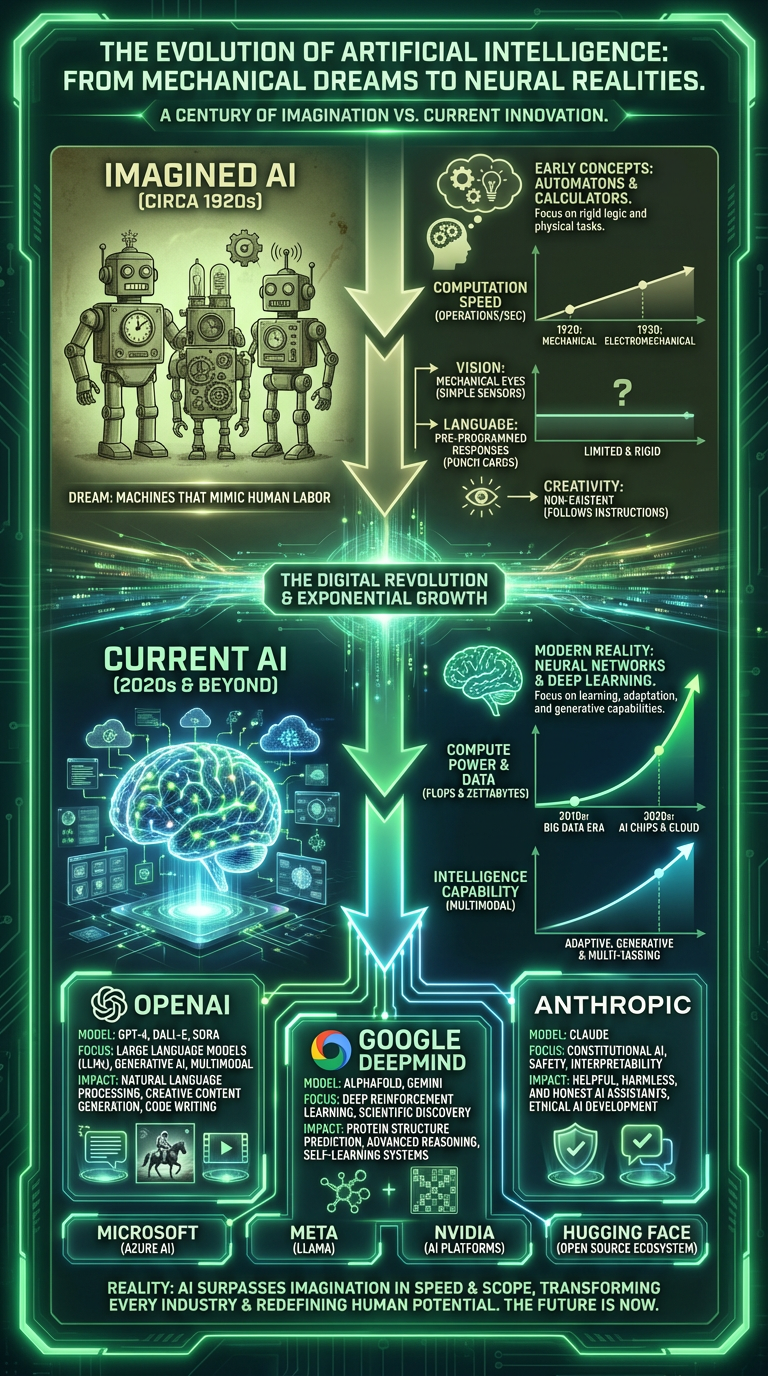
But does it work? We put it to a proper test. We asked it to create four complex infographics about the evolution of AI in four different languages (English, Greek, Turkish, and Arabic).
Here is what happened, and whether this tool is worth your brain cells.
What is Nano Banana Pro?
Most AI image generators are good at making pretty art, but terrible at design. Nano Banana Pro tries to be good at three things simultaneously:
- Visuals: Drawing high-quality illustrations.
- Layout: Organizing information logically (hierarchy).
- Typography: Rendering readable, coherent text inside the image.
Instead of staring at a blank canvas, you act as the Art Director. You type a prompt like:
"Make a vertical infographic that explains how AI has changed in the last 100 years. Retro robots at the top, modern neural networks at the bottom, neon green tech vibe, big title, smaller captions."
Nano Banana Pro takes that text and returns a composed poster complete with sections, icons, graphs, titles, and labels. You can use it via a chat interface or an API if you’re building tools on top of it.
The Experiment: 4 Infographics, 4 Languages
We wanted something harder than "make a poster of a cat." We gave Nano Banana Pro a real assignment.
The Task: Create an infographic titled "The Evolution of Artificial Intelligence: From Mechanical Dreams to Neural Realities”.
The Requirements:
- Layout: Vertical poster format.
- Structure: A clear visual split between "Old Imagination" (1920s robots, gears) and "Current AI" (neural networks, data centers).
- Elements: Charts showing growth, icons, and short explanatory labels.
- Languages: Four versions: English, Greek, Turkish, and Arabic.
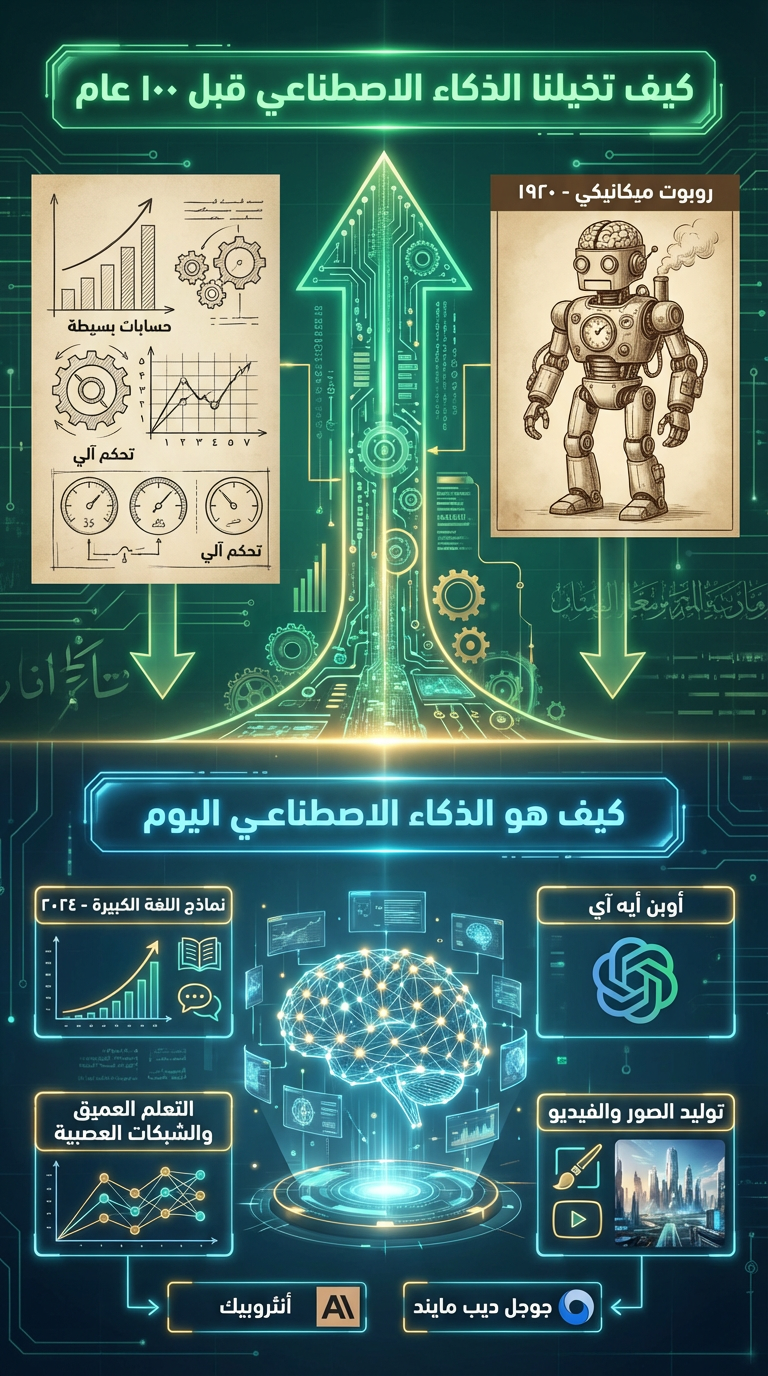
Arabic
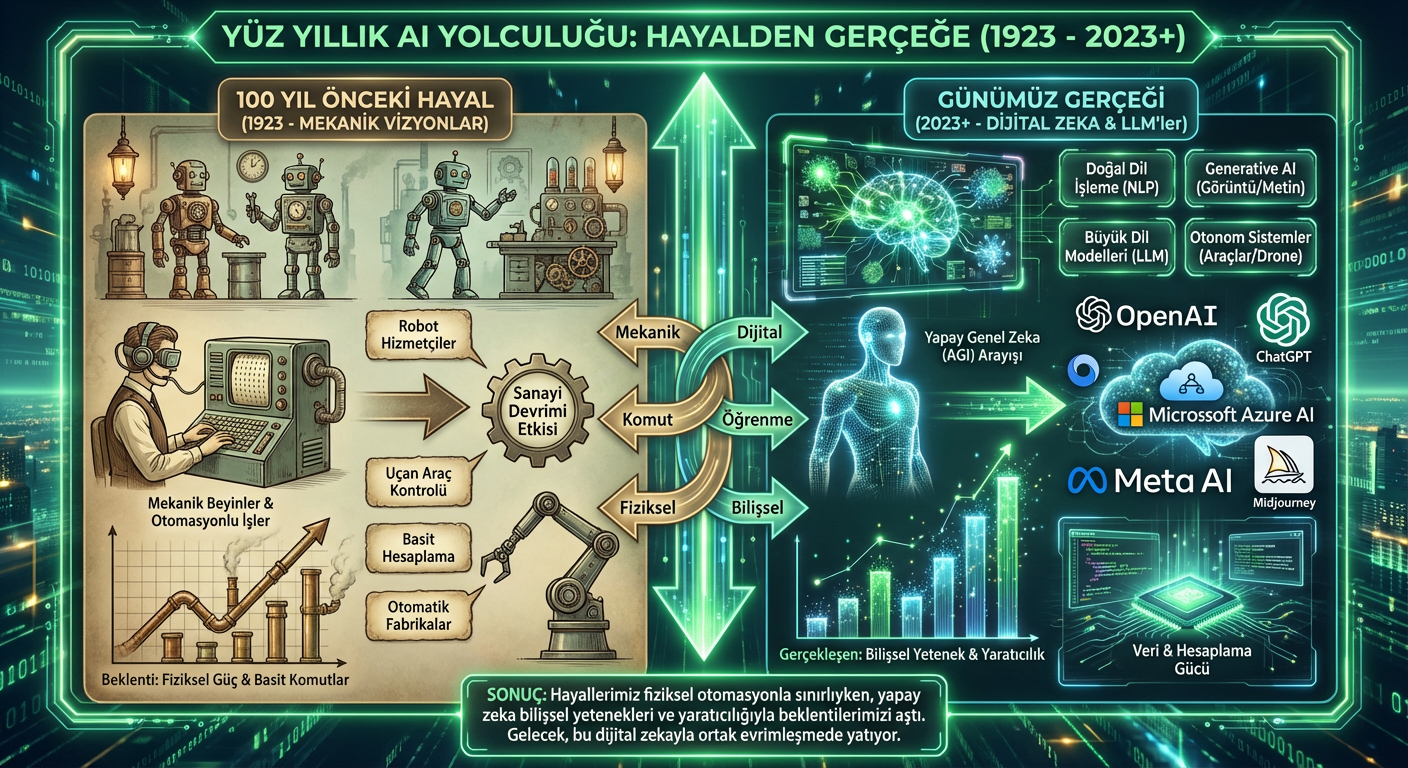
Turkish
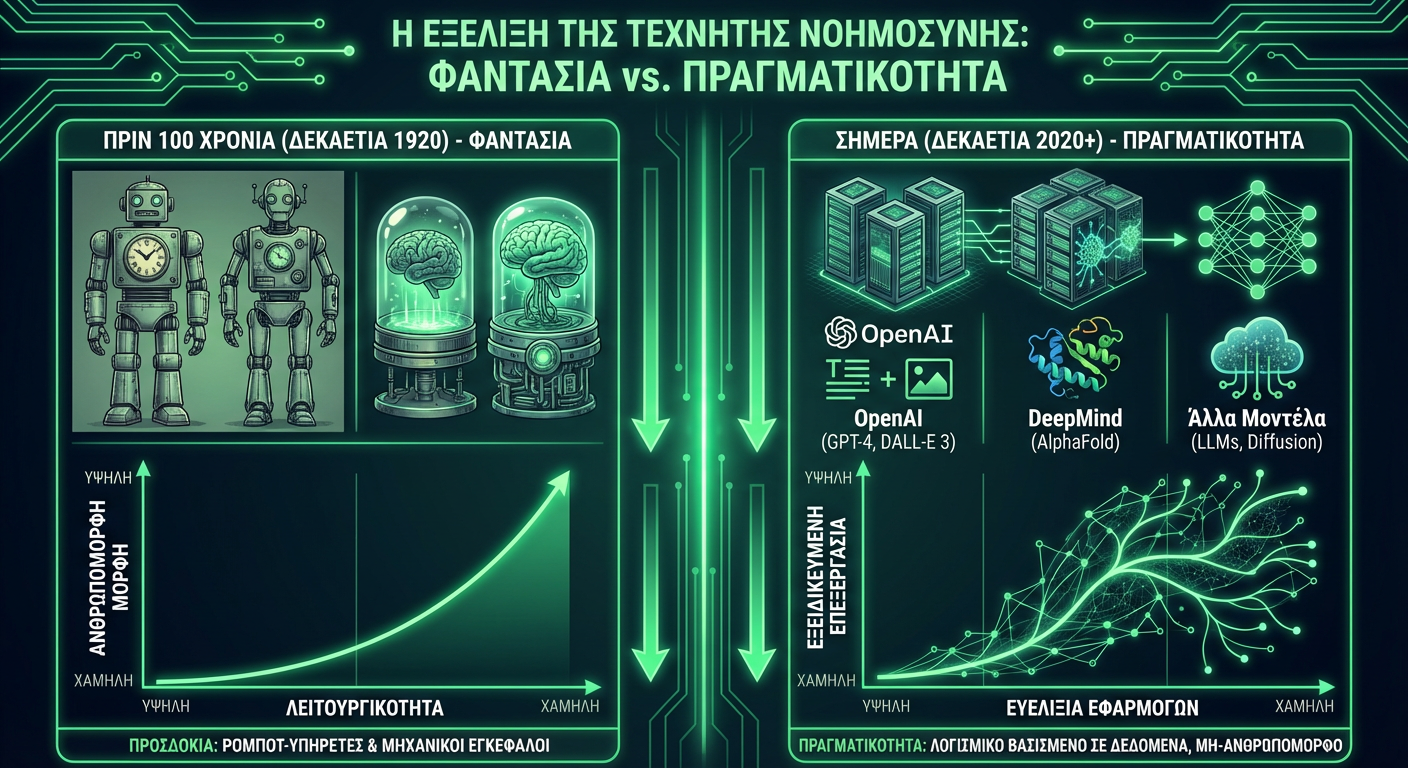
Greek
What Worked Surprisingly Well
1. Layout Instincts The tool understood that an infographic needs narrative flow, not just cool imagery. It built logical sections: a "Past" panel with vintage aesthetics, a glowing transition strip, and a "Present" panel with modern tech visuals. It felt composed, not random.
2. Readable Text (The Amazing Part) Most AI tools hallucinate text, turning letters into alien gibberish. Nano Banana Pro handled big headers, captions, and labels without warping them. The English and Greek versions were especially crisp. The Turkish version correctly handled specific characters (like 'ş' and 'ğ').
3. RTL Support This was the biggest surprise. The Arabic version respected Right-to-Left writing orientation and integrated nicely into the layout, which is a notorious failure point for many major AI models.
4. Visual Consistency All four posters felt like they belonged to the same brand campaign. They shared the same green-tech aesthetic and robot-vs-brain theme. If you run multilingual campaigns, this consistency is a superpower.
Where It Fumbled
1. Micro-Text Details When we pushed for tiny explanations inside small boxes, the text sometimes got soft or pixelated. For big posters, short and bold copy works best.
2. Translation vs. Typesetting The model is a layout engine, not a translator. While it places foreign text into the design, you still need a human to sanity-check the grammar and phrasing.
3. No "Layers" The result is a flat image (PNG/JPG). You cannot export it to Figma and move a specific box three pixels to the left. If you want changes, you have to regenerate or use Photoshop to patch it.
Use Cases: Where Does This Fit in Your Workflow?
1. The "Solopreneur" Launch You need a "How it Works" visual for your landing page or a slide for an investor deck. Instead of hiring a freelancer for a draft, you can generate a strong starting point in seconds.
2. Educational Content If you run workshops or write explainers, you can turn abstract concepts into posters. Topics like "How Neural Networks Learn" or "5 Steps to Secure Your Account" become visual stories instantly.
3. Social Media Scaling You can ask for a specific format: "Square image, big headline, simple icons, clean background." Once you nail the style, you can reuse it for Instagram carousels or LinkedIn posts without manually designing each slide.
4. Multilingual Localization This is the killer feature. Once you have a layout you like, you can simply say: "Now give me a version in Arabic, same structure." You get a localized asset instantly that you can send to a native speaker for a final check.
The Verdict
Should you care about Nano Banana Pro?
If you have ideas but no design skills, or if you need to ship visuals in multiple languages fast, yes.
It will not replace a senior designer for a major rebranding project. However, for the day-to-day grind of marketing, content creation, and pitch decks, it is a massive time-saver.
Think of it this way: You bring the message and the taste. Nano Banana Pro brings the layout and the visual flair. Put them together, and that "I'll just make a quick graphic" moment actually ends with a graphic you're proud to publish.