
GPT Image 1.5 vs. Nano Banana Pro: Which Generator Should You Actually Use?
The AI image generator wars hit a fever pitch this month. OpenAI rushed out GPT Image 1.5 on December 16th, clearly spooked by the fact that Google's Nano Banana Pro had been eating their lunch since November. Sam Altman's leaked "code red" memo wasn't subtle about it.
Here's what most comparisons won't tell you: these tools are optimized for fundamentally different jobs. Picking the wrong one doesn't just cost money it costs hours of frustrating iteration and mediocre output that still needs a designer to fix.
After testing both extensively, I'll cut through the feature-list noise and tell you which one actually deserves your attention based on what you're trying to accomplish.
The 30-Second Version (For Those Who Won't Read Further)
Need speed and precise edits? GPT Image 1.5. Full stop.
Need text that humans can actually read? Nano Banana Pro. Nothing else comes close.
On a tight budget with high volume? GPT Image 1.5 at roughly one-third the cost per image.
Creating multilingual marketing materials? Nano Banana Pro handles Arabic, Greek, and CJK scripts without melting into gibberish.
Still here? Good. Let's get into the friction points that matter.
What GPT Image 1.5 Actually Gets Right
OpenAI built this model to solve one specific nightmare: the "slot machine problem."
Previous AI image tools had an infuriating habit. Ask for a small change—"make the lighting warmer" and the entire image would regenerate. Different composition. Different facial features. Sometimes a different number of limbs. You'd spend 45 minutes trying to get back to something you liked 45 minutes ago.
GPT Image 1.5 fixes this. When you ask it to add a coffee cup to a table, only the coffee cup changes. The shadows stay consistent. The person in the frame doesn't suddenly age 20 years.
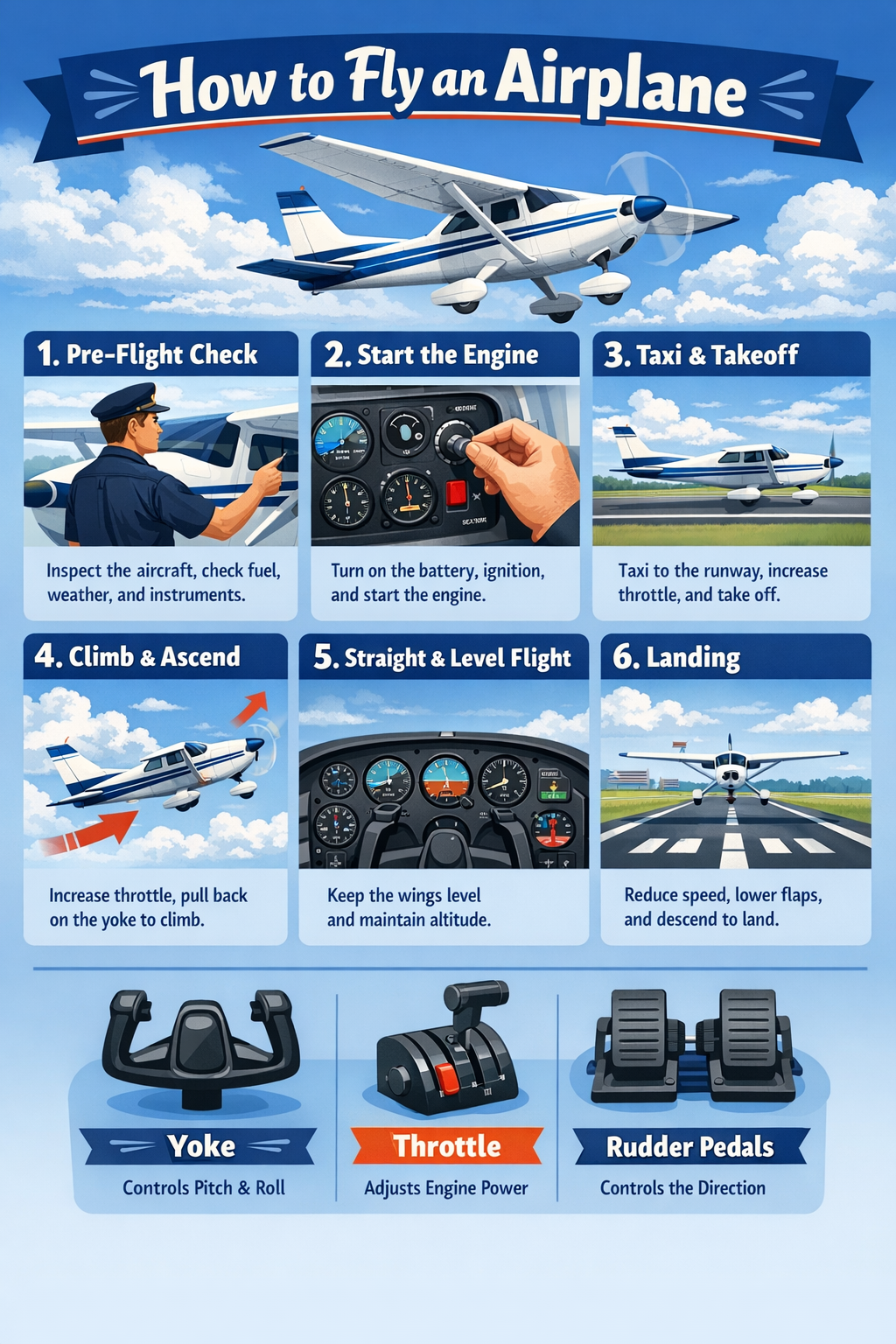
This sounds minor until you're on deadline and need to iterate through 12 versions of the same hero image with different product placements. The 4x speed improvement over GPT Image 1 compounds here—what used to be a two-hour ordeal becomes a 25-minute task.
The honest limitation: Text rendering improved, but it's still not reliable for anything beyond short headlines. If your mockup needs body copy, you'll be cleaning it up in Figma anyway.
What Nano Banana Pro Actually Gets Right
Google built this model to be a design tool, not just an image generator. The difference matters.
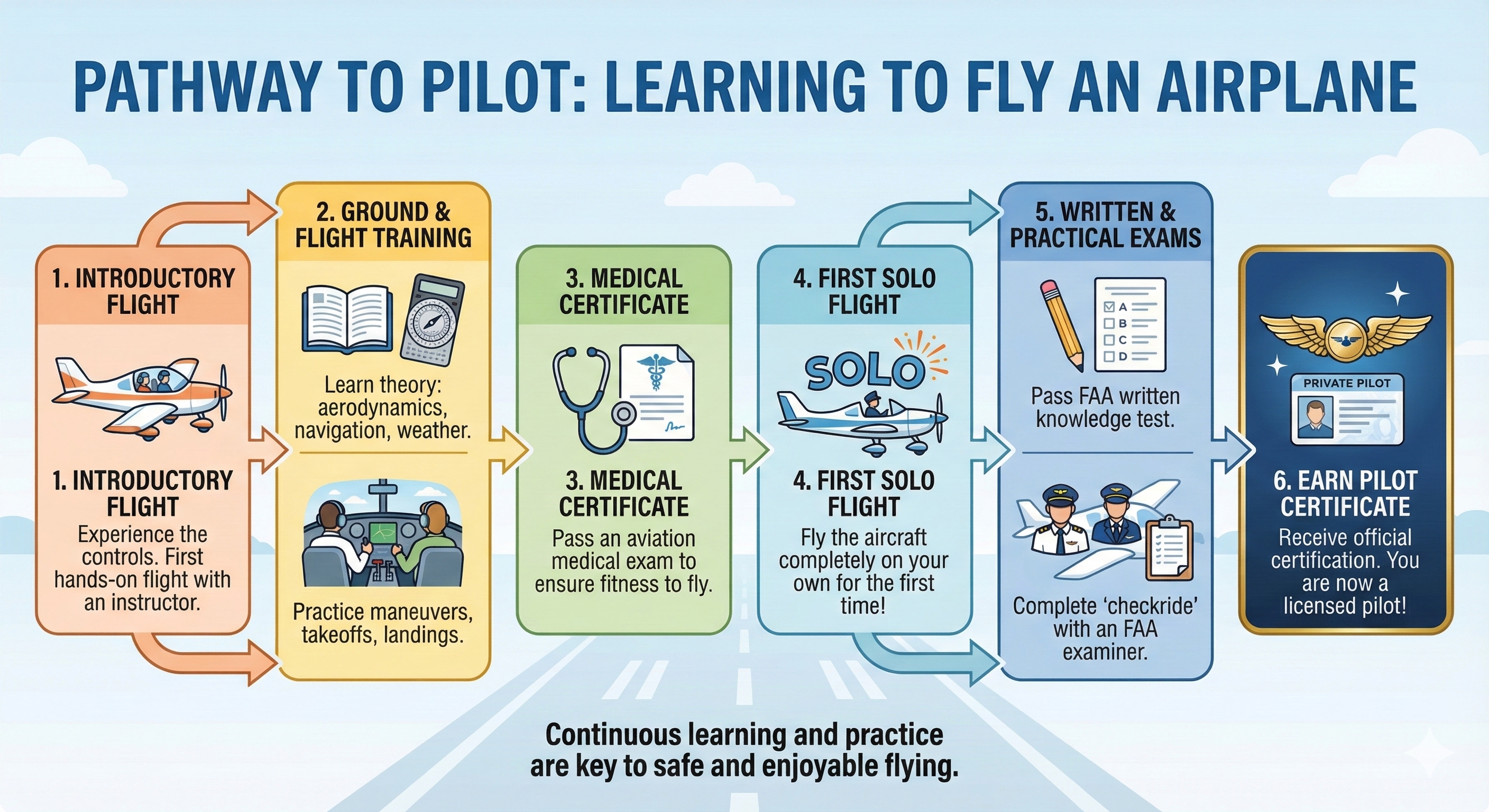
Most AI tools treat text as visual noise—shapes that vaguely resemble letters. Nano Banana Pro actually understands typography. It handles kerning. It respects font weights. It can render a 200-word paragraph inside an infographic without turning it into alphabet soup.
I tested it with four complex infographics in English, Greek, Turkish, and Arabic. The Arabic version a right-to-left script that breaks most AI models—came out clean. Properly oriented. Correctly integrated into the layout. This alone makes it the only viable option for agencies running multilingual campaigns.
The Google Search integration is the other killer feature nobody talks about enough. Ask for an infographic about today's weather in Berlin, and it pulls real data. Ask for a map showing the route between two cities, and it gets the geography right. This isn't hallucinated knowledge it's grounded in actual information.
The honest limitation: It's slow. Noticeably slow. And at $0.24 per 4K image versus GPT's $0.04-0.17 range, the cost adds up fast for high-volume work.
GPT Image 1.5
The Friction Points Nobody Mentions
GPT Image 1.5's Real Problems
- No search grounding. It can't look anything up. If you need current information visualized, you're out of luck.
- Resolution ambiguity. OpenAI hasn't clearly stated maximum native resolution. For print work requiring 4K output, this is a gamble.
- The ecosystem lock-in. Works beautifully inside ChatGPT. The API experience is fine. But if you're already deep in Google Workspace, you're adding another vendor relationship.
Nano Banana Pro's Real Problems
- The free tier is almost useless. Three images per day at 1 megapixel with a watermark. This is a demo, not a tier.
- Speed kills momentum. In rapid brainstorming sessions, waiting 15-20 seconds per generation breaks creative flow. GPT Image 1.5 feels nearly instant by comparison.
- Micro-text still fails. The typography is excellent for headlines and body copy, but tiny labels and fine print get soft and pixelated.
The Pricing Reality Check
Here's what you'll actually pay:
GPT Image 1.5
- Free tier: Usable for testing and light personal use
- ChatGPT Plus ($20/month): Reasonable limits for individual professionals
- API: $0.01 to $0.17 per image depending on quality settings
- 20% cheaper than the previous model
Nano Banana Pro
- Free tier: Effectively a demo (3 low-res images daily)
- Google AI Pro ($19.99/month): Where it becomes usable
- Google AI Ultra ($34.99/month): Required to remove visible watermarks
- API: $0.134 per 2K image, $0.24 per 4K image
The math: If you're generating 500 medium-quality images monthly, GPT Image 1.5 costs roughly $20. Nano Banana Pro at 2K resolution costs $67. That gap widens at scale.
My Recommendation: Pick Your Lane
After weeks of testing, here's my unhedged take:
Default to GPT Image 1.5 if you're doing general creative work, product mockups, social media content, or anything requiring fast iteration. The speed and precision editing are worth the text-rendering tradeoff. Clean up the typography in post if needed.
Switch to Nano Banana Pro only when text quality is non negotiable: marketing posters, infographics, multilingual campaigns, educational materials, or anything going to print where you can't afford to fix the copy manually.
Don't try to use one tool for everything. They're specialized instruments. Using Nano Banana Pro for rapid brainstorming is like using a scalpel to chop vegetables. Using GPT Image 1.5 for a typography-heavy poster is like using a chainsaw for surgery. Both technically cut things. Neither is appropriate for the wrong job.
The "code red" competition between OpenAI and Google is great news for everyone using these tools. But the smartest move isn't picking a winner—it's knowing which tool to reach for when the job shows up.
Quick Reference
| Decision Factor | Use GPT Image 1.5 | Use Nano Banana Pro |
|---|---|---|
| Speed critical | ✓ | |
| Text-heavy output | ✓ | |
| Tight budget | ✓ | |
| 4K resolution needed | ✓ | |
| Multilingual content | ✓ | |
| Precise iterative editing | ✓ | |
| Real-time data in visuals | ✓ |
GPT Image 1.5: chatgpt.com or OpenAI API
Nano Banana Pro: gemini.google.com or Google AI Studio
The best tool is the one that matches the job. Everything else is marketing.